Why Your Android phone Overheats and How to Fix It?
Why Your Android Phone Overheats and How to Fix It
Complete Android overheating guide for Indian users – causes, fixes, and prevention.
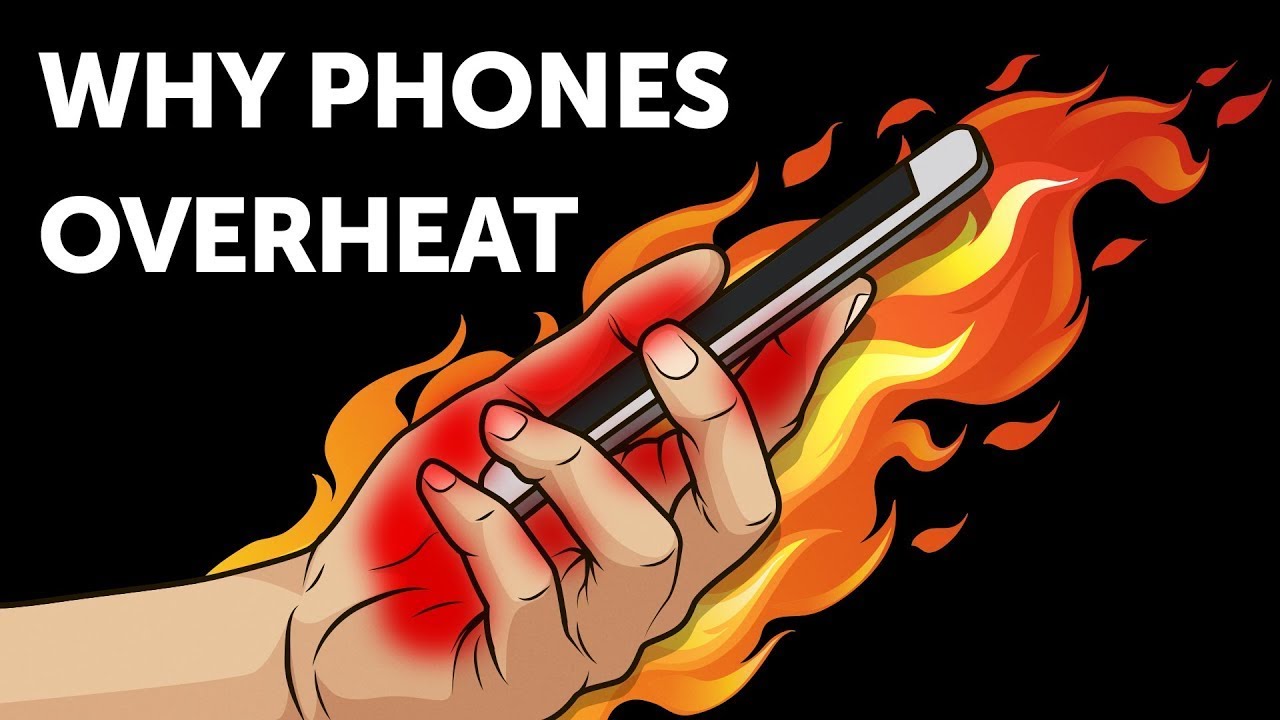
Android phone overheating is a common problem in India due to heavy usage, fast charging, gaming, and hot weather. While some heat is normal, frequent overheating can reduce battery life and slow down performance.
Common Causes of Android Phone Overheating
1. Intensive App Usage
Long gaming sessions, video streaming, and multitasking push the processor and battery beyond normal limits, generating excess heat.
2. Background Apps and Services
Apps running silently in the background, along with GPS, Bluetooth, Wi-Fi, and mobile data, constantly consume power.
3. Environmental Factors
Direct sunlight, hot cars, and charging on beds or sofas trap heat — a very common issue in Indian climate conditions.
4. Charging Issues
Fast charging, low-quality chargers, damaged cables, or using the phone while charging can cause overheating.
5. Software Problems
Outdated software, buggy apps, or malware force your phone to work harder than required.
How to Prevent Android Phone Overheating
How to Cool Down an Overheating Phone
Reduce Screen Resolution
- Settings → Display
- Screen resolution
- Select HD+ or FHD+
Enable Dark Mode
Dark mode reduces power usage on AMOLED displays and lowers heat generation.
Use Power Saving Mode
Power saving mode limits background activity and cools the phone quickly.
Fix Overheating in Specific Situations
Phone Heating While Charging
- Use original charger and cable
- Remove case while charging
- Avoid gaming or video calls
- Charge on hard surfaces only
Poor Network Signal Areas
Weak signal forces the phone to work harder. Use airplane mode temporarily if needed.
Problematic Apps
- Settings → Battery → Battery usage
- Check apps using high battery
- Update or uninstall them
Quick Tips to Keep Your Phone Cool
- Avoid direct sunlight and hot cars
- Never put your phone in the freezer
- Clear app cache regularly
- Delete unused apps
- Replace old batteries if needed
Join the conversation